
How to Use
A quick guide to the EOTO AI workflow, from inputting inspiration to emotional parsing, music generation, and real application.

Getting started

Getting started
Create your account
01

Create an EOTO AI account to access the product experience and demos.
Once inside, you can start using scene input, emotional parsing, and generation history right away.
Input inspiration
02
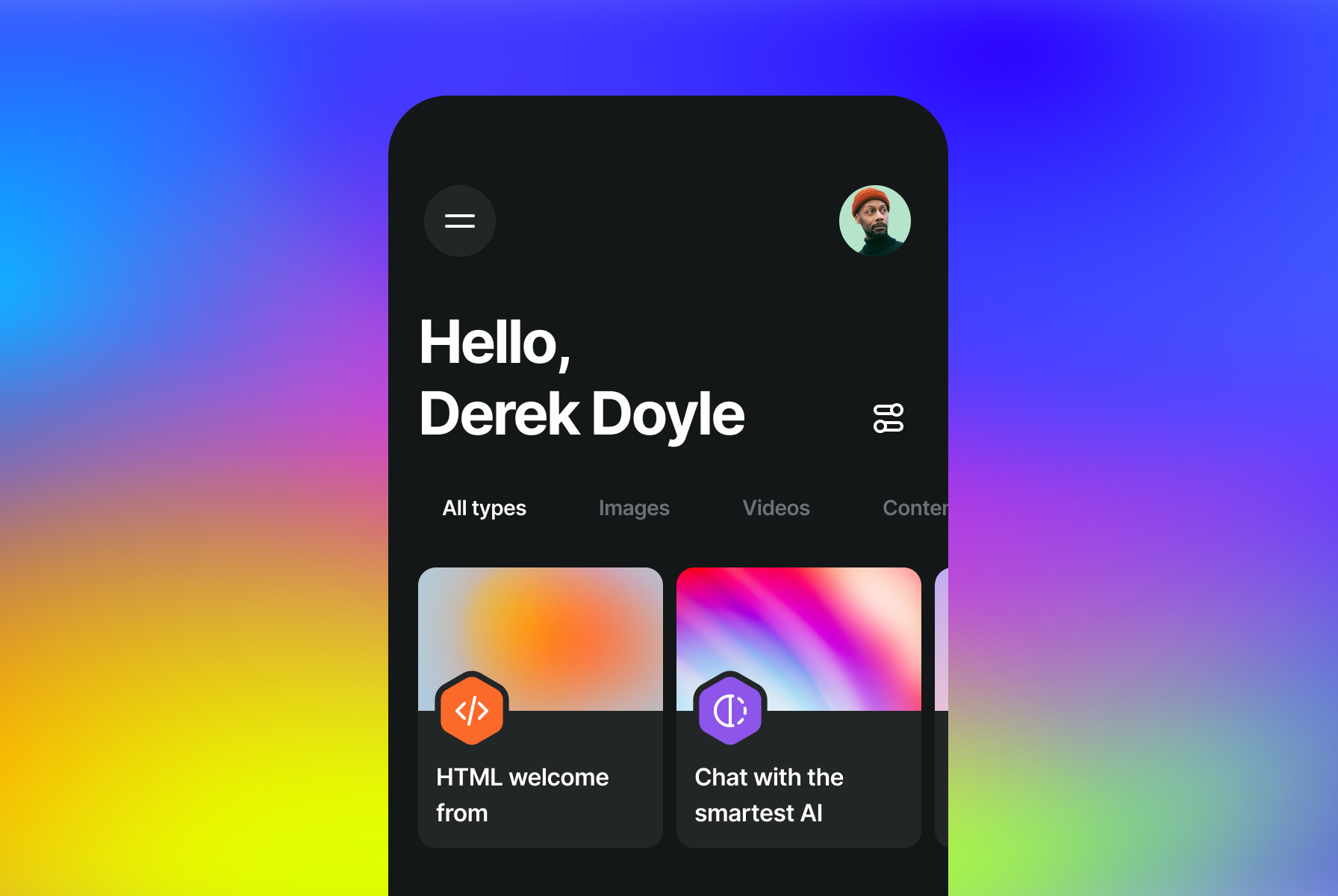
Upload an image, a video, or describe how you feel so EOTO AI can read the current scene and atmosphere.
Understand emotion
03
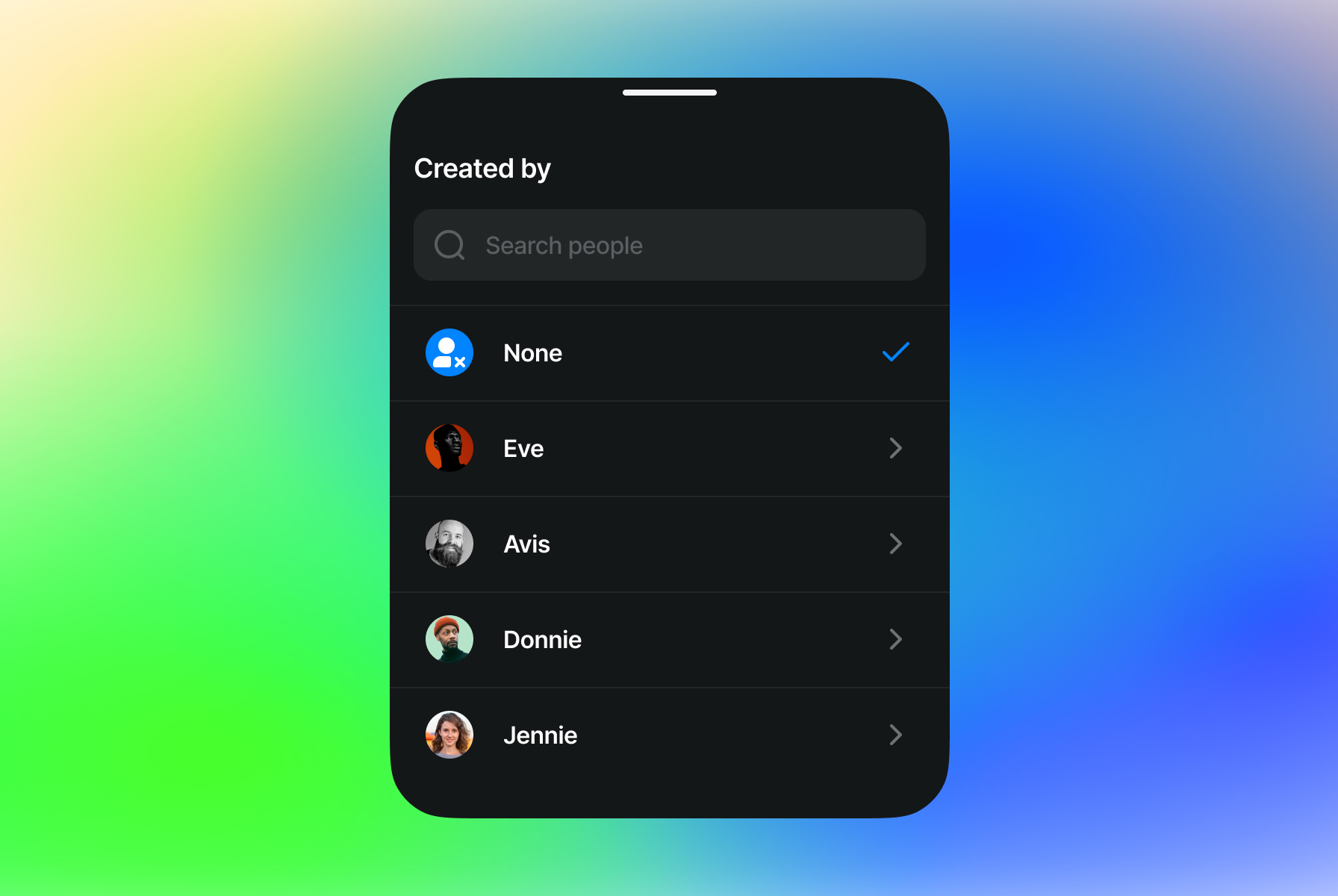
The model parses emotional cues in the scene and builds a music direction that fits the moment.
Apply the output
04
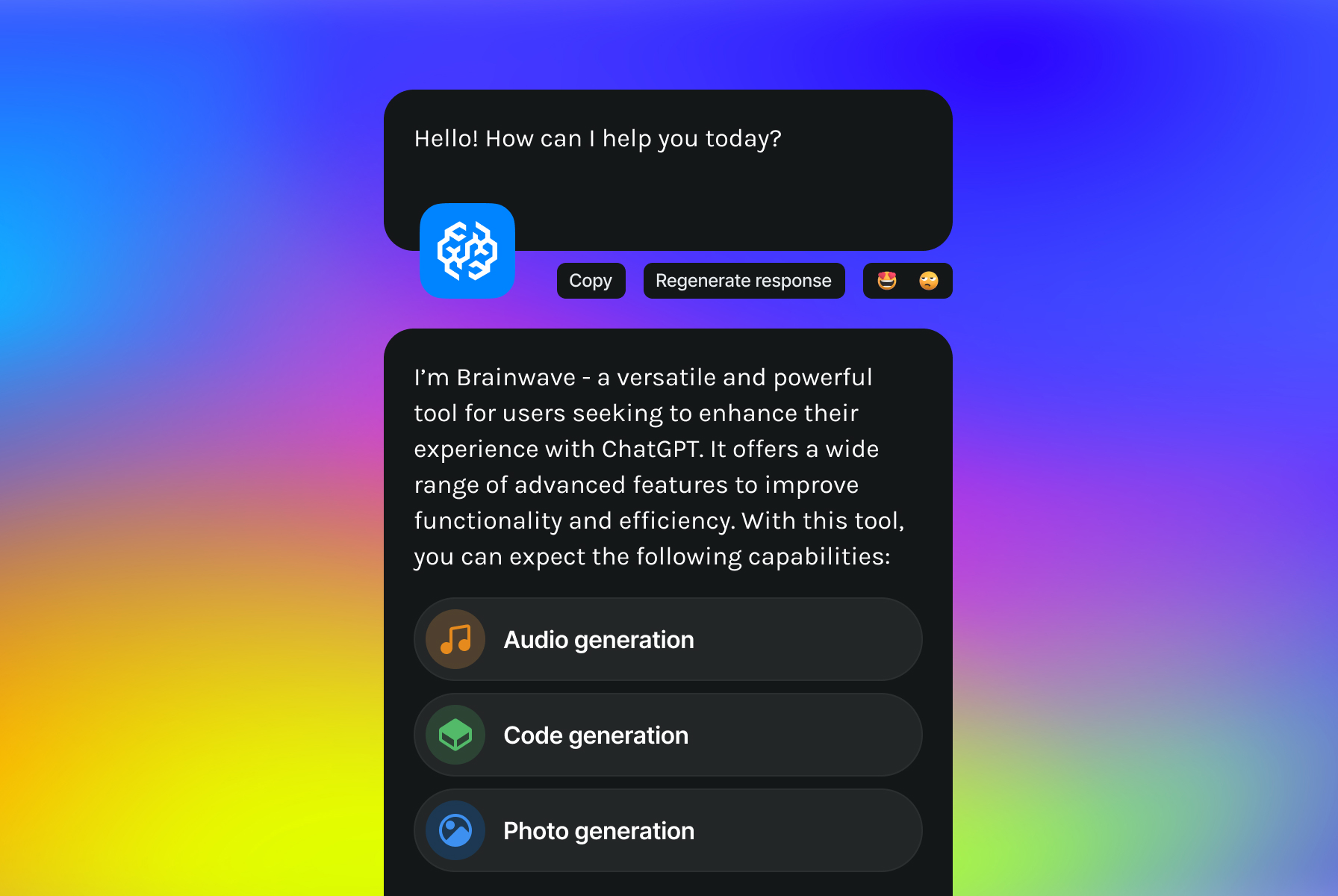
The generated music can be previewed, saved, and carried directly into creative or business workflows.

Need help?
If you cannot find your answer, contact us directly.

Email us
eotoai@gmail.com
Send product feedback
We welcome requests and partnership inquiries
© 2026 EOTO AI